Welcome to Centered
Centered is designed to keep your school responsibilities,
schedules, notes, and planning tools in one place so it is easier
to stay organized and focused.
Here you can:
- Track your assignments and deadlines
- Organize both your personal and academic calendars
- Take and organize your notes
- Chat with your personal AI assistant
- Connect with friends and classmates
- Engage with your virtual pet
1. Getting Started
Create your account, sign in, and configure everything to make the
app feel personal for you.
1
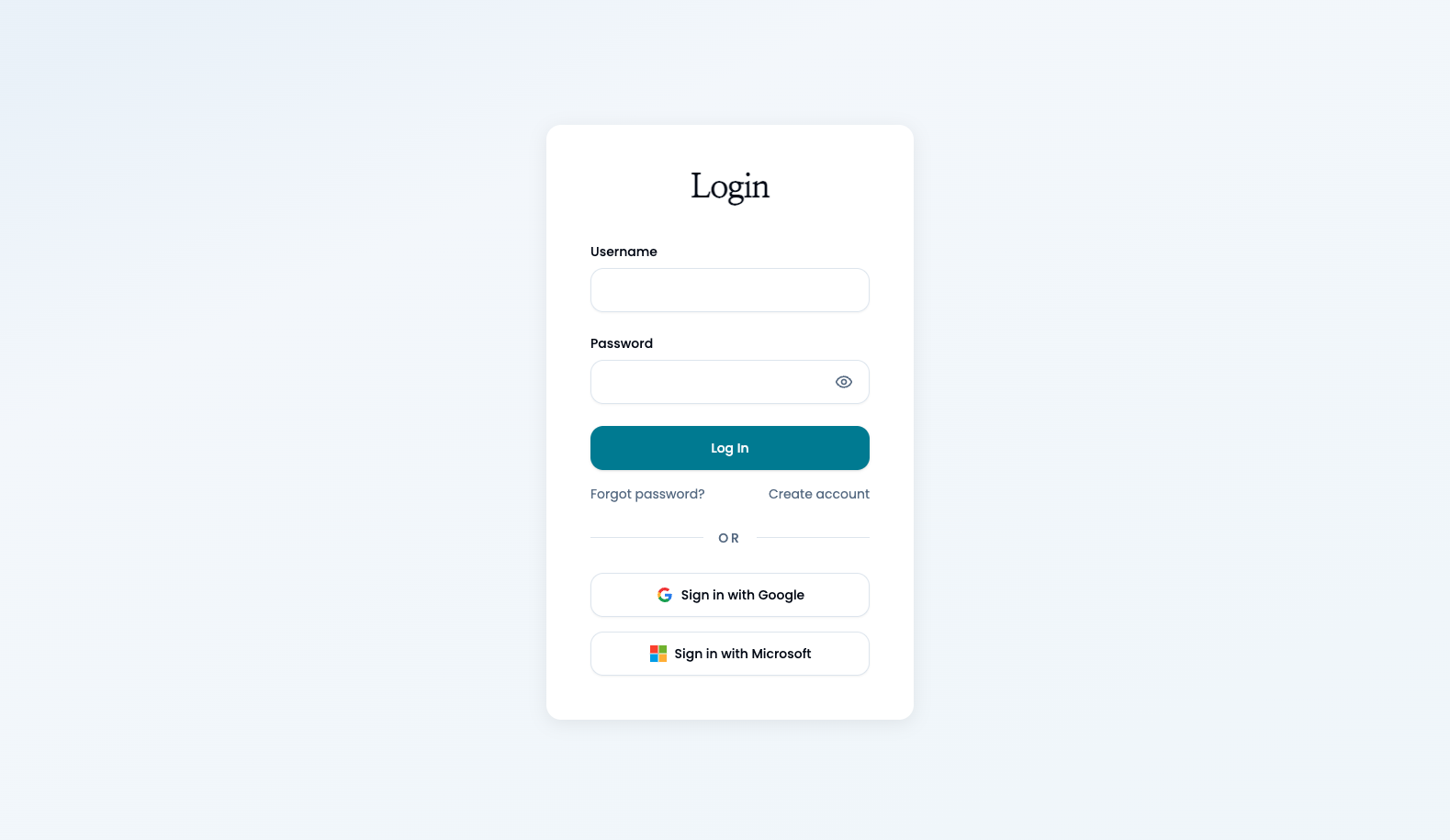
Create your account with your username, email, and password or
alternatively sign in with your Google or Microsoft account.
2
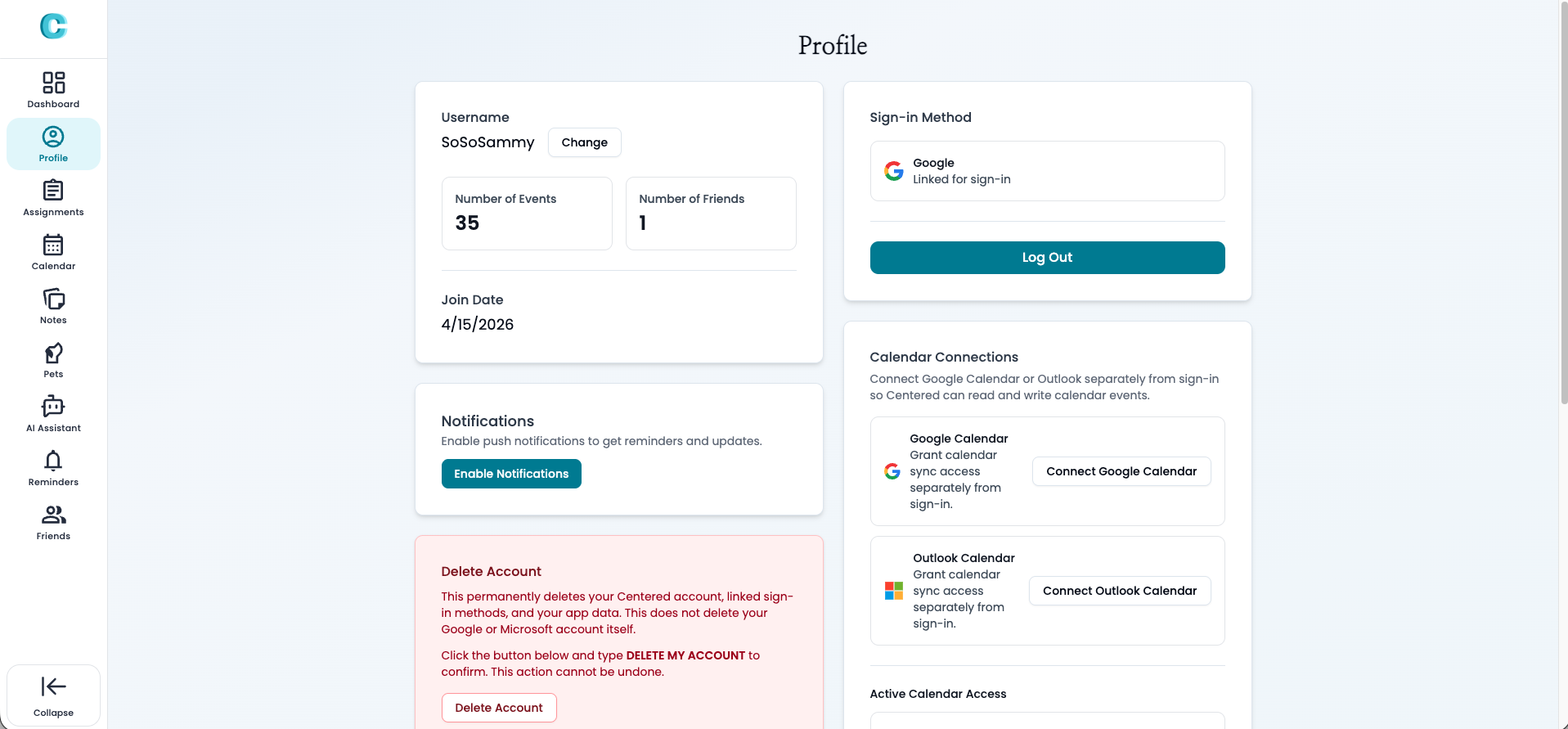
After signing in, visit the profile page to link additional
calendars.
3
Enable notifications for reminders and upcoming deadlines.
2. Dashboard
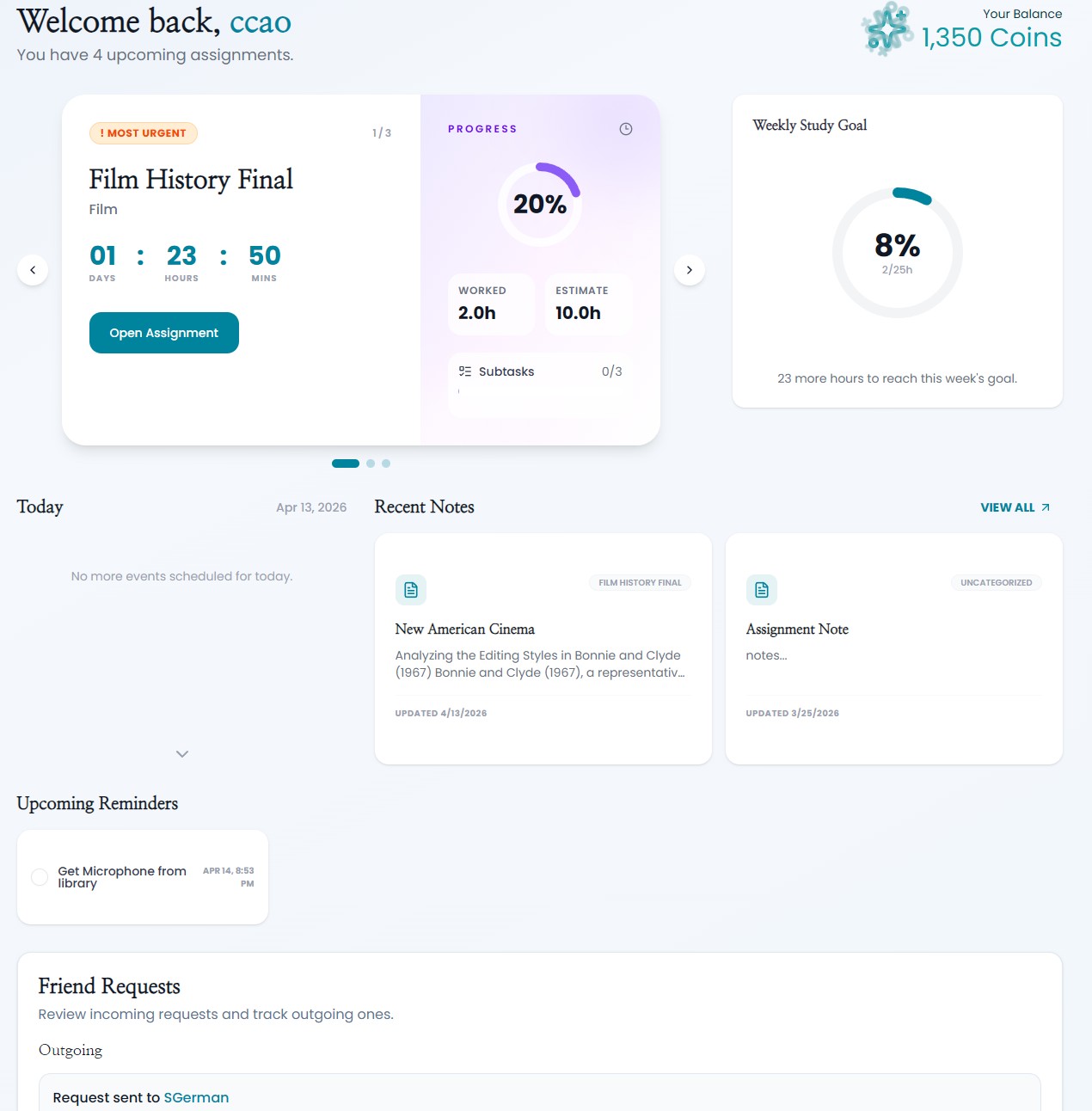
Your dashboard gives you a quick overview of what matters today
and what is coming up next.
1
See a summary of today's tasks and events.
2
Review upcoming events and deadlines at a glance.
3
Track your weekly study goal and friend activity.
3. Assignments
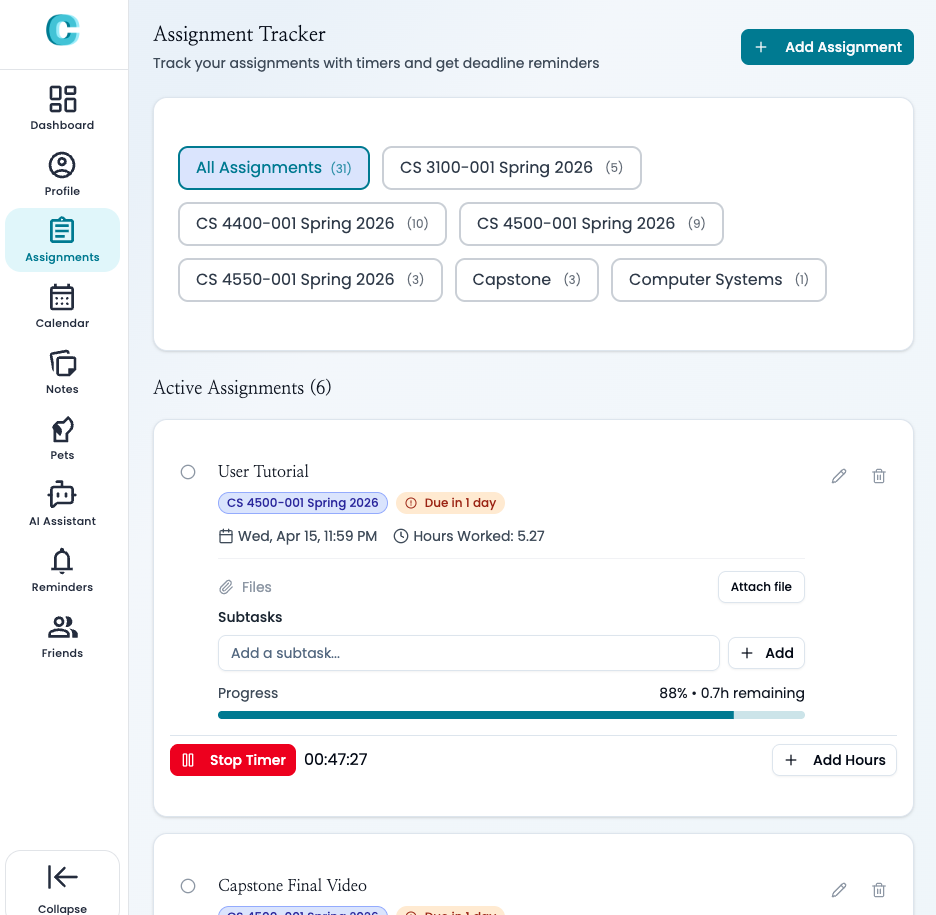
The assignments area helps you stay on top of your workload by
breaking large tasks into something easier to manage.
1
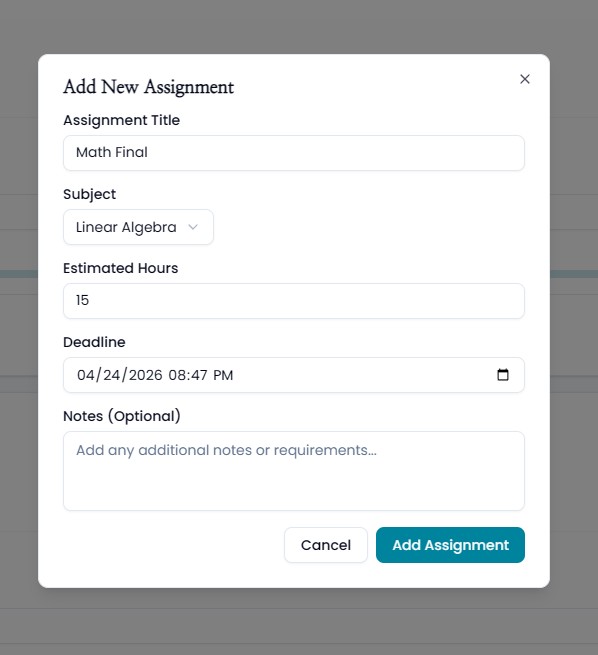
Create new assignments and organize them by subject.
2
Mark assignments as completed when you finish them.
3
Add subtasks to break down your workload into steps.
4
Track progress using timers or manual study hours.
5
Attach notes directly to assignments when needed.
4. Notes
Notes give you a place to organize lecture material, ideas, and
assignment-related information without leaving the app.
1
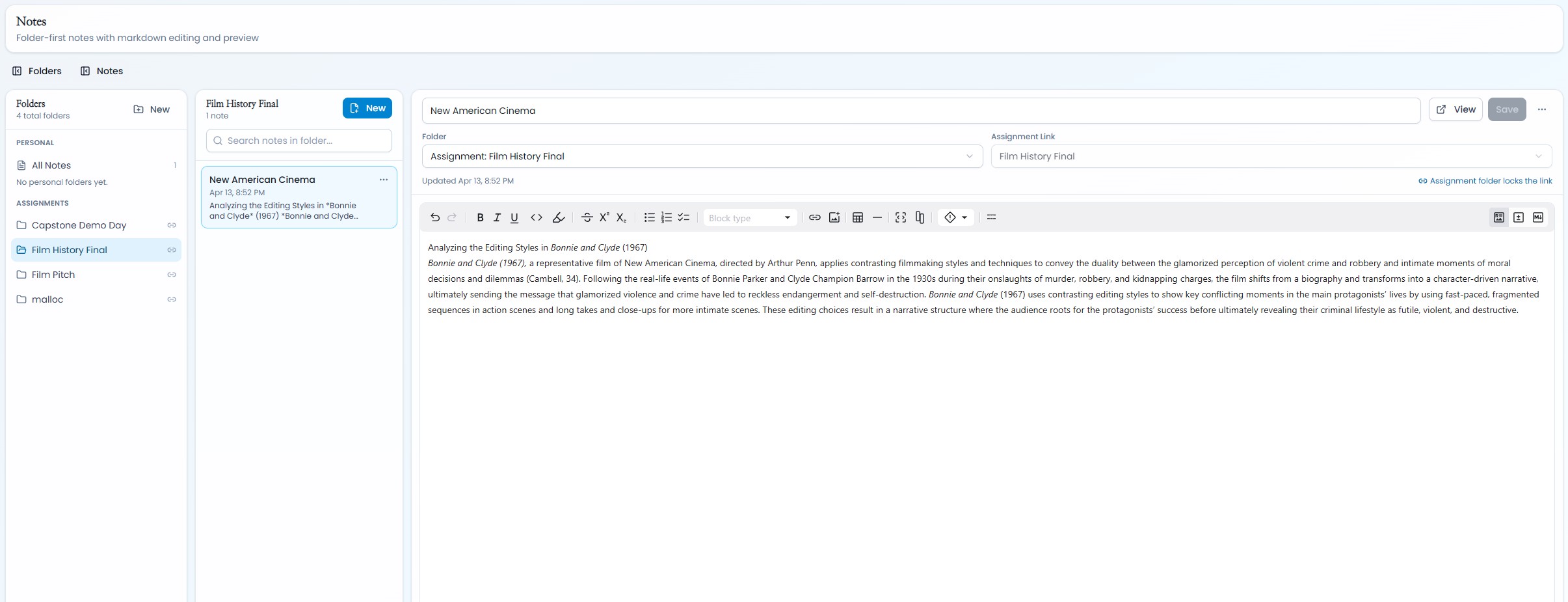
Create notes for lectures, study sessions, or assignments.
2
Edit, update, and view notes.
3
Organize notes by assignment or custom folders.
5. Centered Extension
The browser extension helps you pull Canvas assignments into
Centered so all your school assignments are ready to plan around
and track in Centered.
1
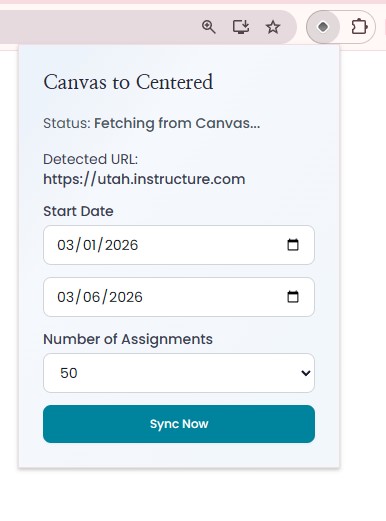
Download the Centered extension and open your Canvas
dashboard.
2
Sign in with your existing Centered account: either your
username and password, or Sign in with Google or Microsoft.
3
Click the sync button and wait for assignments to appear in
Centered.
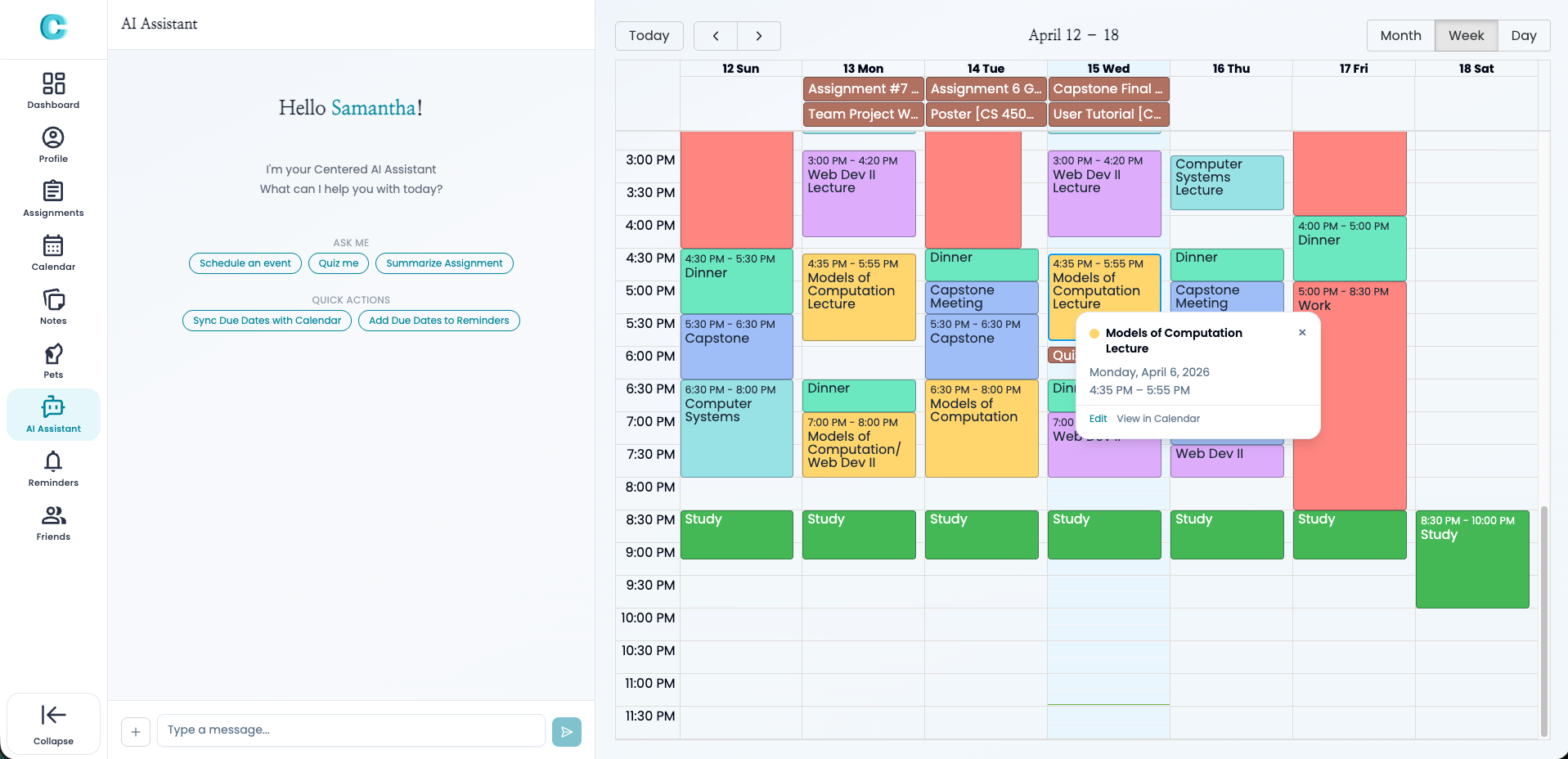
6. Calendar
In the calendar you can do the following:
1
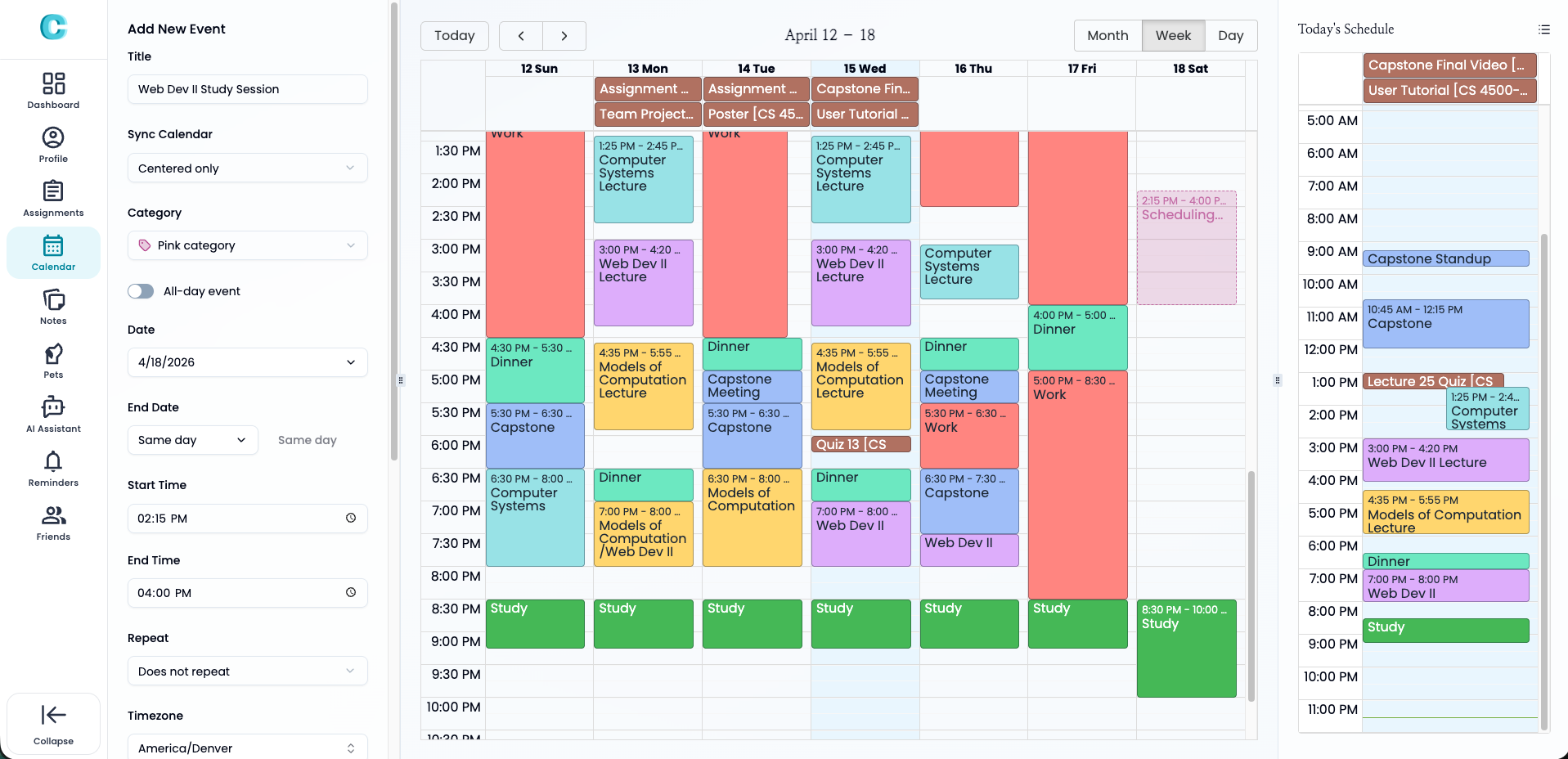
Add events such as classes, study sessions, and meetings
2
Switch between day, week, and month views
3
Color-code events by category
4
Use drag-and-drop to create events in week/day views
AI Assistant
The AI Assistant can help you with the following:
1
Help with study planning
2
Break tasks into subtasks
3
Schedule events in your calendar
4
Create quizzes for studying
5
Create reminders for assignment deadlines
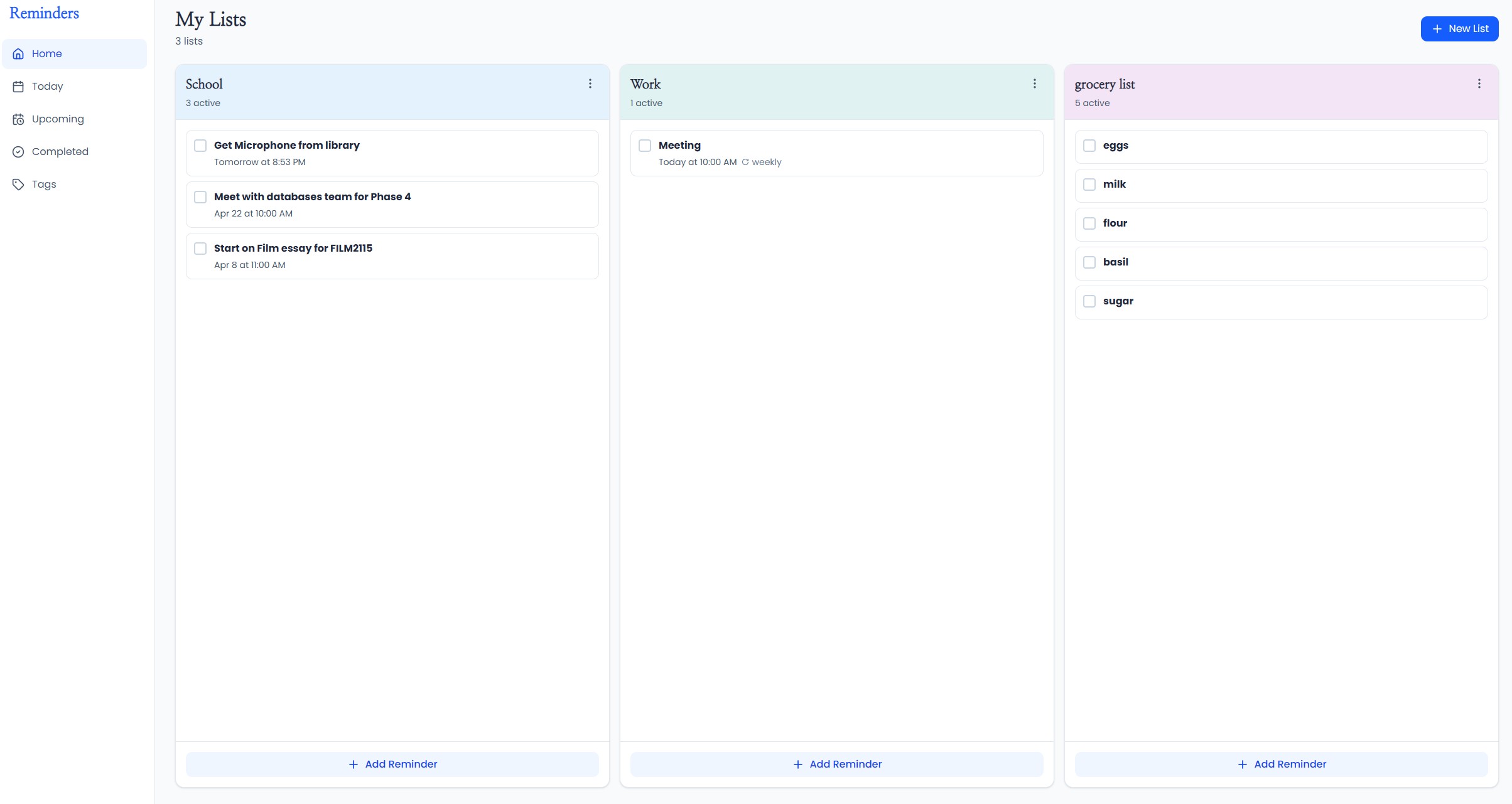
Reminders
You can do the following on the reminders page:
1
Create reminder lists by category
2
Add due dates and reminder times
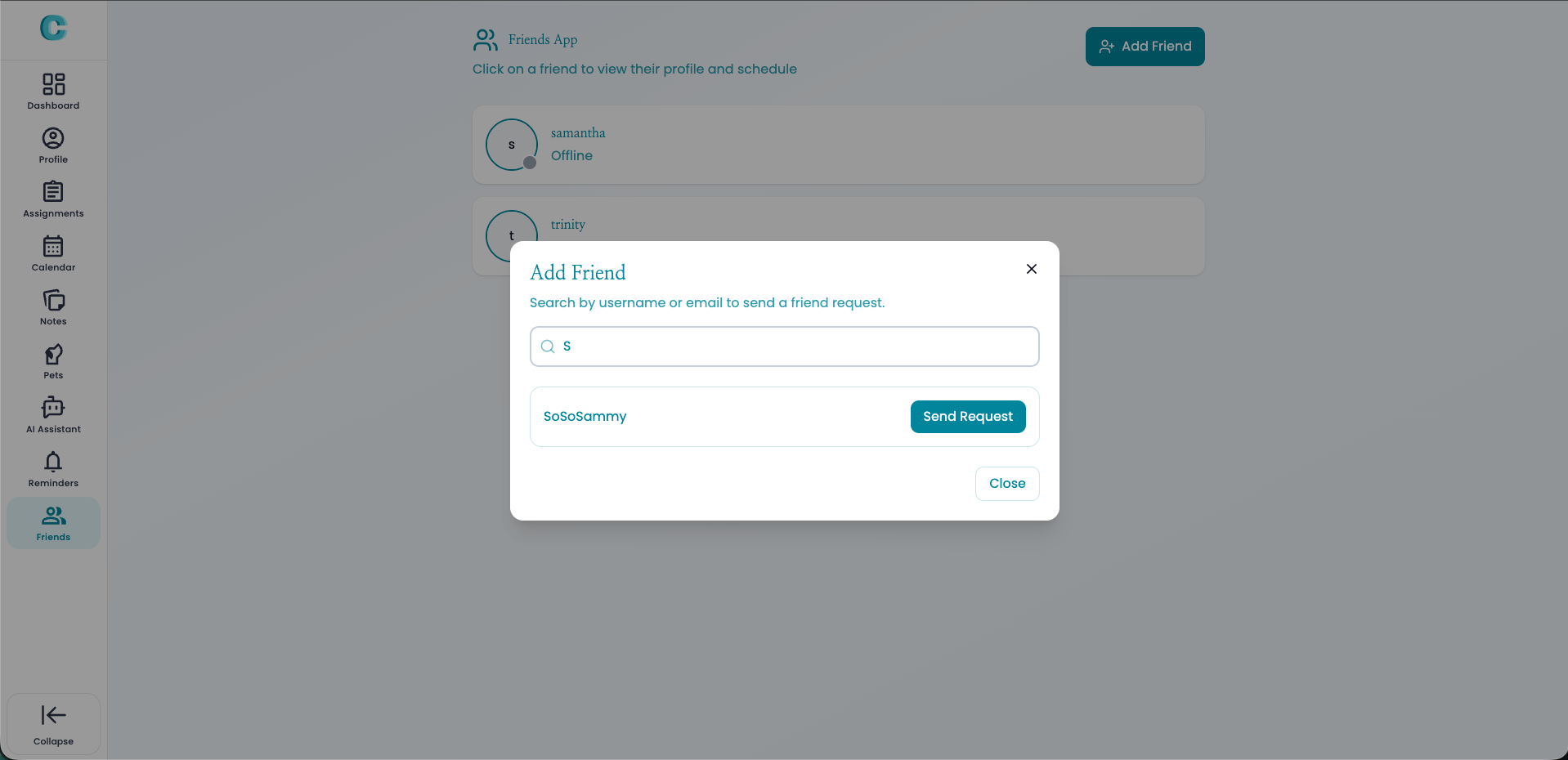
7. Friends
Add friends, share schedules, and plan events together in
Centered.
1
Add friends using their username or email
2
After a friendship is created, you can view each other's
schedules
3
Send event invites to your friends and wait for them to accept
it
4
Once a friend accepts the invite, the event is added to their
calendar
5
If the friend has a conflicting event, a message is shown
explaining the conflicting event and the invite is not
accepted
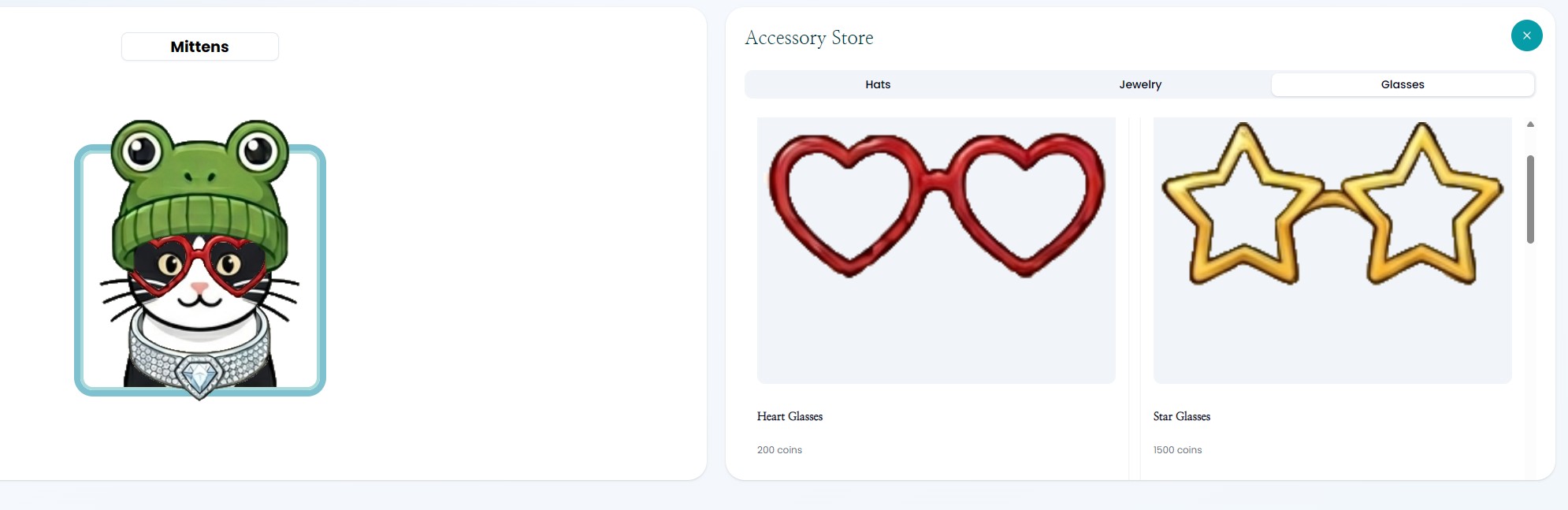
8. Virtual Pet
Choose a virtual pet and earn coins which you can use to buy
accessories for it.
1
Choose a dog or cat, with different breeds for each type
2
Earn coins by completing tasks and tracking hours
3
Purchase accessories like hats, jewelry, and glasses
4
Collect items and customize your pet